


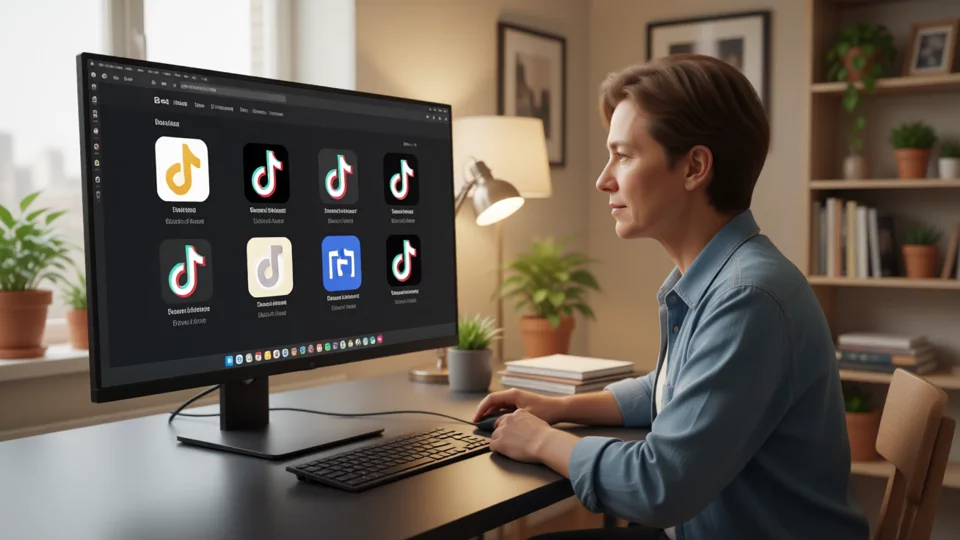
6 hours after the 4th Thai local store triggered a supplementary verification, the SPS health scores of the 5th and 6th stores dropped from 82 to 51, and the linked TikTok Ads accounts simultaneously entered a restricted status. The team's first reaction was to switch IPs—48 hours later, all three stores were still required to complete legal entity verification, indicating the root cause was not at the network layer. The post-mortem identified three contamination chains: four stores sharing the same proxy exit pool, sub-account permissions not segmented by country × store type, and the absence of store cluster grouping causing SPS score deductions to cascade across stores. The following breaks down the complete isolation solution layer by layer, from outer to inner.
48-Hour Incident Retrospective: Three Root Causes and Contamination Radius
The timeline of the failure chain is: T+0h Store A (TH-LOCAL-03) triggered secondary review → T+2h shared proxy IP range flagged → T+4h Store B (TH-LOCAL-04) and Store C (VN-LOCAL-01) had SPS auto-deductions upon login → T+6h all three stores' ad accounts entered associated review due to "same controller funding chain" → T+12h Store B/C secondary review materials returned, citing "legal identity information inconsistent with registered entity" (the actual issue: passport remaining validity less than 12 months).
The three root causes correspond to three layers:Network layer— All four stores are bound to the same proxy pool. When one store triggers a review, the IP range enters the cooldown list, and the remaining stores immediately hit it upon login;Permission layer——The operations sub-account holds "view financials + manage ads" permissions across all four stores; the operation logs of Store A are read by sub-accounts of Stores B/C, triggering cross-store behavioral trajectory overlap;Structural layer——The four stores were not grouped by country × store type, so the platform propagated the secondary-review rejection status of TH-LOCAL-03 to TH-LOCAL-04 under the same license; the "duplicate registered entity" listed in [What to Do When TikTok Shop Secondary Review Is Rejected: High-Frequency Causes of Document-Review Failure and a Legal-Representative Verification Checklist](/articles/tiktok-shop-review-rejected-checklist-1790552138360/) is triggered by this.
Profile isolation architecture for 4–6 stores on a single workstation
Core principle: one browser Profile per store, with no local storage shared between Profiles. The baseline hardware requirements differ between a 4-store and a 6-store setup — for 4 stores, 32 GB RAM + 16-core CPU is recommended; for 6 stores, scale up to 64 GB RAM + 12-core (each Profile's persistent footprint is approximately 1.8–2.2 GB of RAM, covering both the ads dashboard and Seller Center tabs). When the CPU baseline falls below this threshold, concurrent writes from proxy switching and Cookie cleanup will become a bottleneck.
Specific setup steps:
- Create a dedicated Profile for each store, with naming conventions aligned to the store-group numbering (see the grouping section later in this guide). Each Profile is bound to a unique fingerprint: UA version number offset by ±1 minor version, a differentiated WebGL renderer string, and a Canvas noise offset of 0.02–0.05.
- Device ID offset: Device IDs across Profiles on the same physical machine must not be sequential; the gap must be at least 3 digits (e.g., 0x0A3 vs. 0x0B7). The browser fingerprint fields collected by TikTok Seller Center during registration and login (font list, timezone, language preference) must be configured independently per Profile.
- Local storage cleanup cycle: Clear Cookies, LocalStorage, and IndexedDB within each Profile every 72 hours. Run the cleanup script during off-peak hours in the early morning to avoid interrupting active operations.
- Each proxy exit is bound one-to-one with a Profile; two Profiles are prohibited from using the same IP subnet within the same cooldown window (see the next section for details).
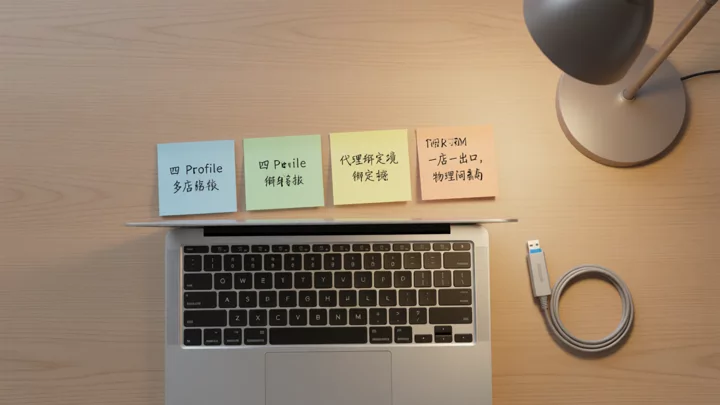
Proxy Binding and Cooling Cycles
4-6 stores correspond to 4-6 independent proxy exits, each exit bound to one Profile with no cross-binding. Pre-login cooldown: the same proxy IP range must be spaced ≥ 30 minutes (1800 seconds) between two cross-store logins; the IP must remain unchanged during continuous single-store operations. The proxy pool is rotated once every 28 days to prevent the same IP range from being flagged by the platform's behavioral model as "high-frequency multi-store logins" within 30 days. Under the 2026 new regulations, the SPS health score includes "same-IP multi-store logins" as a deduction factor; even without triggering a secondary review, sustained appearances of the same IP range will cause the monthly average SPS score to drop by 3–5 points, affecting the qualification determination for [TikTok Shop major sale registration conditions and the AHR 150-point threshold](/articles/tiktok-shop-sps-audit-troubleshooting-1790638516637/).
Cross-store IP switch waiting window: between logging out of Profile A and logging into Profile B, a cooldown of ≥ 30 minutes plus a brand-new IP range is required; the previous proxy chain must not be reused. If the team uses residential proxies, they may switch to a residential node in another city during the cooldown period, provided the new node has not been bound to any other Profile's historical records.
Store Group Grouping, Naming Conventions, and Sub-Account Permission Mapping
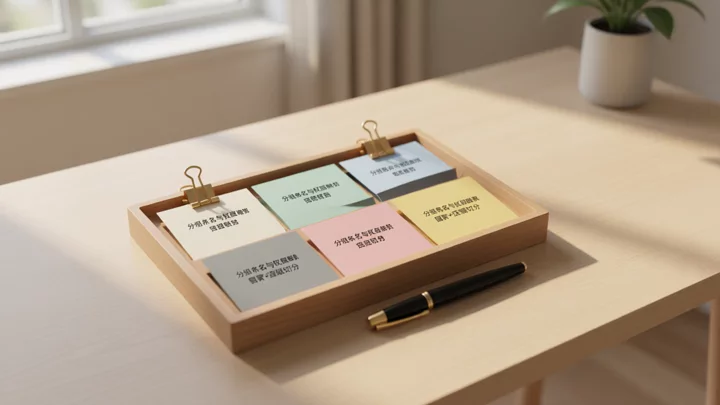
Grouped in two tiers by "Country × Store Type", the numbering format is [Country Code]-[Store Type]-[Sequence Number]. Examples: TH-LOCAL-01, TH-LOCAL-02, VN-LOCAL-01, VN-CB-01, MY-LOCAL-01, MY-CB-01. Numbering is sequential within the same country and store type; a separator is inserted between different countries for visual distinction.
The post-grouping permission matrix follows the principle of least privilege, mapped to the TikTok [Business Center role system](https://ads.tiktok.com/help/article/about-business-center-roles-and-permissions?lang=en "TikTok Business Center roles and permissions overview"):
- Administrator(1 person, team lead): has visibility across all store groups; can create/delete sub-accounts, adjust roles, and approve advertising budget caps.
- Standard Member(1–2 persons per country): can only view stores within their own country's group; can manage products, orders, and logistics tracking; financial and payment information is not visible.
- Finance Role(1 person): Has visibility of all payout accounts and withdrawal records, but cannot operate ads or edit products.
Sub-account visibility is strictly limited to within its own group. For example, the operations sub-account of TH-LOCAL-01 must not see the order and ad data of VN-CB-01. Ad account ownership must be bound to the corresponding Business Center as required by [TikTok Advertiser Account Policy](https://ads.tiktok.com/help/article/actor-policy "TikTok Advertiser Behavior and Authenticity Policy"), to avoid cross-store ad account sharing triggering associated audits.
Daily Switching SOP and 48-Hour Self-Inspection Checklist
Daily login order follows the grouping from TH → VN → MY, with LOCAL taking priority over CB within the same country. 3 pre-switching checks:
- Confirm that the current proxy outbound IP has been switched to the IP range bound to the target store, and that the outbound IP shown in browser DevTools matches the proxy backend.
- Clear residual Cookies from the previous store's Profile (manually delete all Cookies under the current domain), wait 5 seconds, then confirm there are no stale session requests in the Network panel.
- Screenshot the SPS score on the target store's Seller Center homepage and log it in the weekly self-inspection sheet. If SPS has dropped ≥ 5 points compared to yesterday, pause the switch and enter the fault-diagnosis process.
The weekly 48-hour self-inspection sheet covers five dimensions: whether payout arrival time complies with [TikTok Shop cross-border vs. local store payout cycle differences](/articles/tiktok-shop-cross-border-vs-local-store-1790465764846/), whether logistics tracking shows false-shipment flags, whether ad account balance and spend curves are abnormal, whether the second-review status has any new submissions or rejections, and whether [TikTok Shop multi-store shared payout account risks](/articles/multiple-stores-sharing-payout-account-risks-1790575100502/) show fund-flow crossovers.
Fault modes: 4-step diagnosis for SPS sudden drop, second-review rejection, and ad-account restriction
When multiple stores experience SPS drops or second-round review rejections simultaneously, first determine whether the failure radius lies in the shared layer (proxy pool, payout accounts, Business Center master account) or the single-store layer (store-specific credentials, logistics records, ad operations), then address issues from the widest contamination radius to the narrowest. 48-hour mitigation sequence:
Hours 1–4: Freeze login access for all sub-accounts within the affected group, retaining operational access only for administrators; switch the affected proxy exits to a brand-new IP range, wait for a 30-minute cooldown before restoring single-store logins. If the fault layer is the payout account (multiple stores sharing the same withdrawal card triggering fund-chain linkage), immediately switch B/C store payouts to independent accounts to avoid the cascading consequences of "reconciliation triggered first, then rate-limiting" described in [Multiple Stores Sharing a Payout Account](/articles/multiple-stores-sharing-payout-account-risks-1790575100502/).
Hours 4–24: Verify second-round review materials store by store. High-frequency rejection reasons include passport validity of less than 12 months, business license scope not matching the store type, and local stores missing the legal-entity verification corresponding to the local [TikTok Shop local store registration business license](/articles/tiktok-shop-store-limit-per-license-1790552093449/). Cross-check each item against the [TikTok Shop second-round review rejection checklist](/articles/tiktok-shop-review-rejected-checklist-1790552138360/) before resubmitting.
Hours 24–48: Appeals for restricted ad accounts are filed through TikTok Ads backend tickets, attaching a screenshot showing AHR has reached the 150-point threshold and evidence that logistics tracking over the past 30 days shows no fake shipments. If a [TikTok Ads account](https://ads.tiktok.com/help/article/create-tiktok-business-center?lang=en "TikTok Business Center creation guide") is suspended due to association review, verify that the ownership entity of each ad account within the Business Center matches the registered entity in Seller Center. Under the 2026 new rules, cross-border stores and local stores follow different standards for logistics tracking verification: cross-border stores require three-stage verification (pickup → international segment → delivery confirmed), while local stores only require domestic pickup and delivery confirmation. Do not mix the two standards when diagnosing.
FAQ
Will running 6 profiles on a single computer simultaneously be flagged by the platform as associated?
Platform association detection looks at the overlap across four layers of variables—network exits, device fingerprints, identity/payment information, and behavioral trails—rather than simply "how many stores are on the same machine." As long as each profile's proxy exit, fingerprint parameters, and sub-account operation logs are independent of one another, a single physical machine is not a trigger condition. The real risk lies in shared proxy pools and overly broad sub-account permissions. See [The Four Dimensions by Which Platforms Detect Multi-Account Associations](/articles/amazon-multi-account-association-detection-dimensions-1790128331966/) for details.
Is there a difference in proxy cooldown time between cross-border stores and local stores?
The cooldown mechanism itself does not distinguish store types, but the SPS penalty weights differ: under the 2026 new rules, logistics tracking anomalies for local stores (such as fake shipment flags) carry an SPS deduction 1.5 times that of cross-border stores. Proxy switching within local store groups must therefore strictly observe the 30-minute cooldown to avoid the same IP range being hit again during the logistics anomaly window.
How long does it take to complete permission revocation after a sub-account departs?
48 hours before handover, all store access permissions and ad account roles for that sub-account should be frozen, and the ERP API key and old browser Profile must be invalidated simultaneously. For the complete process, refer to the [Operations Departure Account Security Handover Checklist](/articles/ecommerce-account-permission-handover-security-checklist-1790130172363/). The core principle is to systematically shut down four entry points: the sub-account, payment authorization, API key, and browser environment.